




SUMO WooCommerce Donations v3.3 – WordPress Plugin

Download all 3,934+ scripts with direct NVMe mirrors & zero wait time.
⭐ Unlock VIP All-Access ($9.99/mo)Live Demo
Admin & user logins
Setup Guide
MySQL, .env & deploy
Error Fixes
500 & SQL packet limits
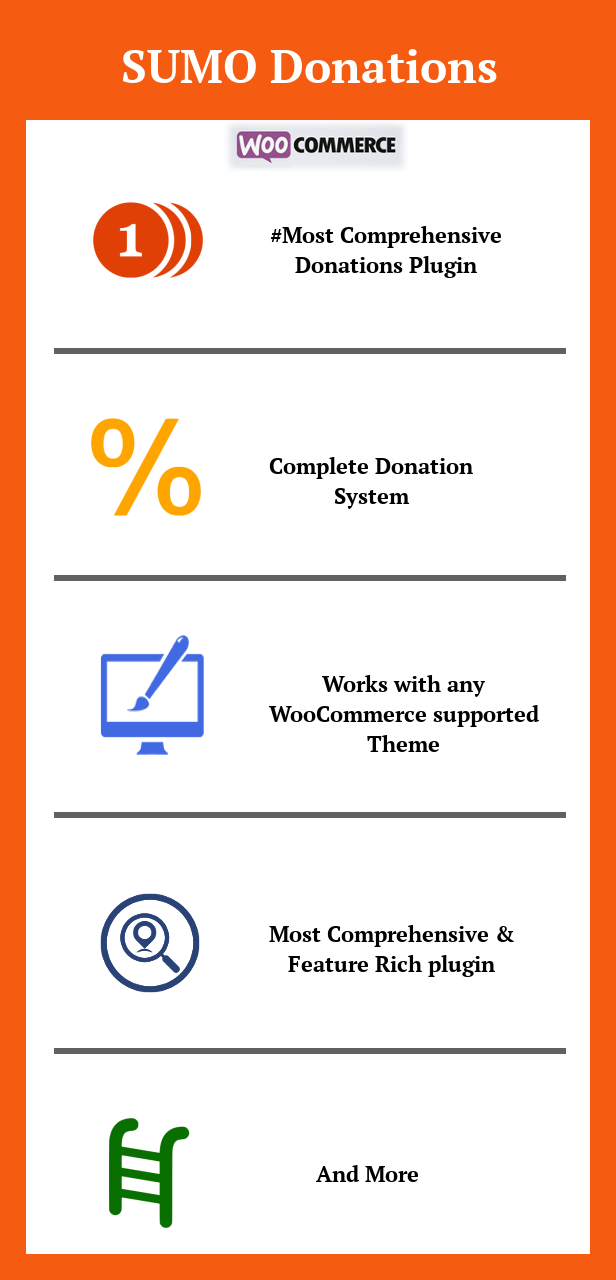
SUMO Donations is a Complete WooCommerce Donation System. Using this Plugin you can provide options for the users to make donations in your site. It supports Recurring Donations (requires SUMO Subscriptions). Donations can be made in the Single Product Page, Cart Page, Checkout Page, Donation Form displayed in any Page/Post using Shortcode and On Exit Fly Box in Cart Page and Checkout Page. Donation can be Automatic or Manual. You can also Force Donations (where without making the Donation the user can’t complete the checkout (purchase).
Please note that the users can purchase Products in the Shop like they can always do and in addition can make a Donation as well.
Features
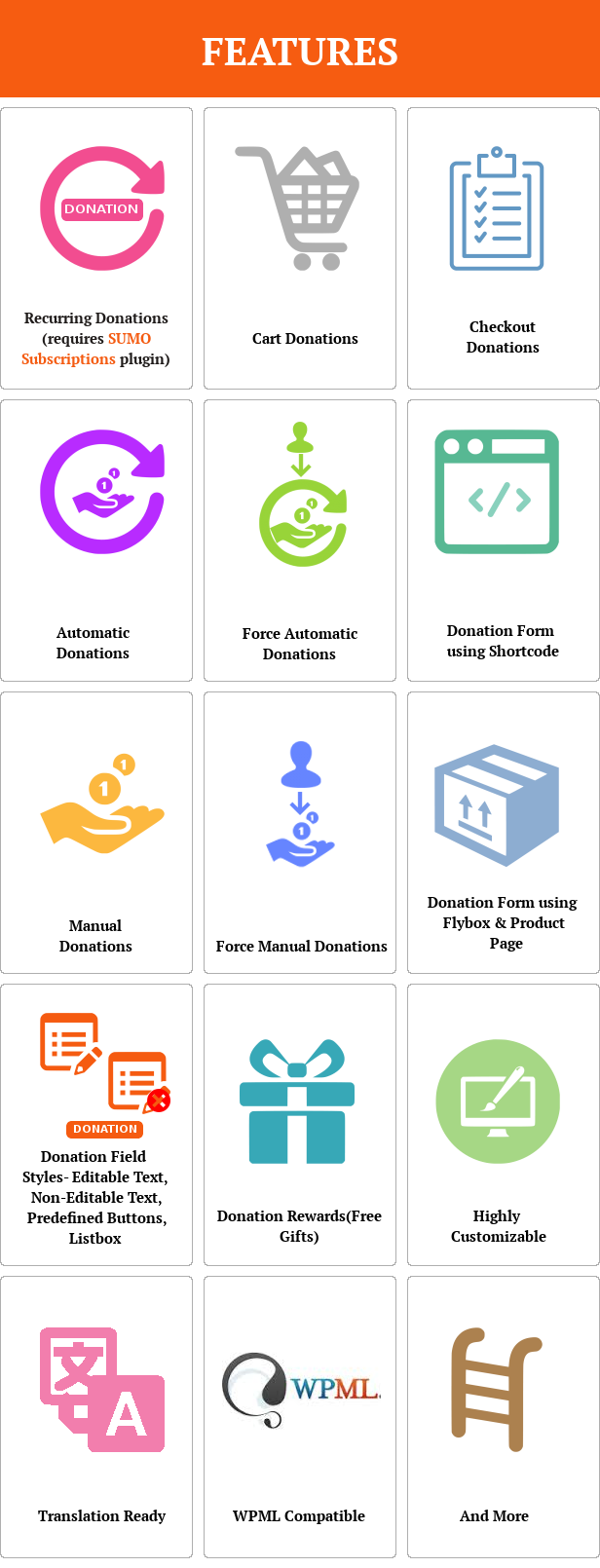
- Complete Donation System
- Recurring Donations (requires SUMO Subscriptions)
- Donation Form in any Page/Post using Shortcode
- Donation Form in Product Page
- Donation Form in Cart Page
- Donation Form in Checkout Page
- Donation Form in On Exit Fly Box in Cart Page and Checkout Page
- Give Rewards (Free Products) for making Donations
- Both Automatic and Manual Donation available
- Force Automatic/Manual Donation Option
- Highly Customizable
- Translation Ready
- WPML Compatible
- and more
Compatible With
SUMO Donations is Compatible with1. SUMO Reward Points – WooCommerce Points and Rewards System
2. SUMO Subscriptions – WooCommerce Subscription System
3. WooCommerce Recover Abandoned Cart
How to Upgrade to a newer version of SUMO Donations?
If you are using an older version and want to upgrade to the latest version of SUMO Donations then please do the following steps.1. Deactivate and Delete the existing version of SUMO Donations in your site.
2. Download the latest version file (sumodonations.zip) of SUMO Donations from Codecanyon.
3. Unzip sumodonations.zip inside which you will find the Plugins files i.e. donationsystem.zip.
4. Install the latest version of SUMO Donations i.e. donationsystem.zip using WordPress Dashboard.
5. Activate the Plugin.
Please note you will not lose any settings values, data etc by following the above steps.
Support
Please check the documentation as we have lots of information there. The documentation file can be found inside the documentation folder which you will find when you unzip the downloaded zip file.For support, feature request or any help, please register and open a support ticket on our site.
Updates
Protected Download Center & Releases
Protected source code releases, direct storage, and verified mirrors.
Unlock Verified Source Code & Database Package
Get direct high-speed NVMe storage access, complete untouched code, database dumps, and documentation with 0 seconds wait time.